Websites / 6 min read
A website launch checklist from approval to first inquiry
Check content, ownership, forms, mobile use, search settings and recovery before launch, then verify the public site with a practical CSV checklist.
Start with one version and one decision maker
A launch checklist should answer a practical question: can a customer use this version, and can the owner operate it afterward? Name the preview version, public domain, approver and launch window. Keep a short list of unresolved issues with an owner for each. “Looks good” is not a record of what was checked.
Use four result labels: pass, fail, not applicable and blocked. A check that needs an unavailable account is blocked, not passed. Keep preview access and search visibility intentional until the owner approves the public release.
Download the website launch checklist. Add your owner, result and evidence to each row. The sheet includes its source and review date.
Approve the facts customers act on
- Read the main service page aloud. Can a new visitor tell what is offered, where it is available and how to start?
- Verify prices, opening hours, service boundaries and response expectations with the business owner.
- Check project images, testimonials and credentials against permission and actual evidence. Remove placeholders.
- Open policy links and downloads. Confirm the contact details and the person responsible for inquiries.
- Confirm image descriptions convey relevant meaning and decorative images do not repeat surrounding text.
For a contractor, a project photo needs an accurate description of the work shown. For a consultant, the inquiry should ask for the information needed to assess fit. The check is about this business, not filling every available section of a template.
Test the whole inquiry on the preview site
Begin on the home page using a narrow screen. Find the right service, follow its call to action, submit a permitted synthetic inquiry and check the receiving destination. Reply to the controlled test address. Record submission acceptance, saved receipt where supported, notification status and inbox arrival separately.
- Try a missing required field and an invalid email address. The message should explain what to fix without erasing valid input.
- Use the keyboard to reach navigation, controls and the form. The focused control should stay visible.
- Check the mobile menu, long page headings and any tables or pricing details.
- Test included booking or newsletter flows through their confirmation and, where relevant, unsubscribe steps.
- Repeat the task with reduced motion enabled if the site uses animation.
Use the contact-form diagnosis guide if the inquiry stops. Chrome Lighthouse can identify automated performance and accessibility findings; manually completing the task remains part of the review.
Check accounts, search settings and old links
- The owner can access domain, hosting and included tools, with a documented recovery contact.
- The public domain uses HTTPS and alternate hosts reach the intended address. Preserve unrelated mail DNS when changing website hosting.
- Titles, descriptions and canonical addresses match the approved pages.
- The sitemap lists the intended public URLs; page and HTTP indexing instructions match the launch decision.
- Important old URLs keep their address or redirect to the relevant replacement.
- A deliberately missing address returns a real 404 and a useful way back.
In Google Search Console URL Inspection, the indexed result and live test answer different questions. A launch can be technically ready without already being indexed. Record any missing Search Console access and hand it to the account owner.
Know how to recover before the switch
Keep the approved source, content and configuration needed to restore the prior version. Name the person who can perform the rollback and the condition that would trigger it, such as a broken inquiry path. Check what the host can restore and what lives in a separate service. Do not assume a website backup also contains mailbox, booking or newsletter data.
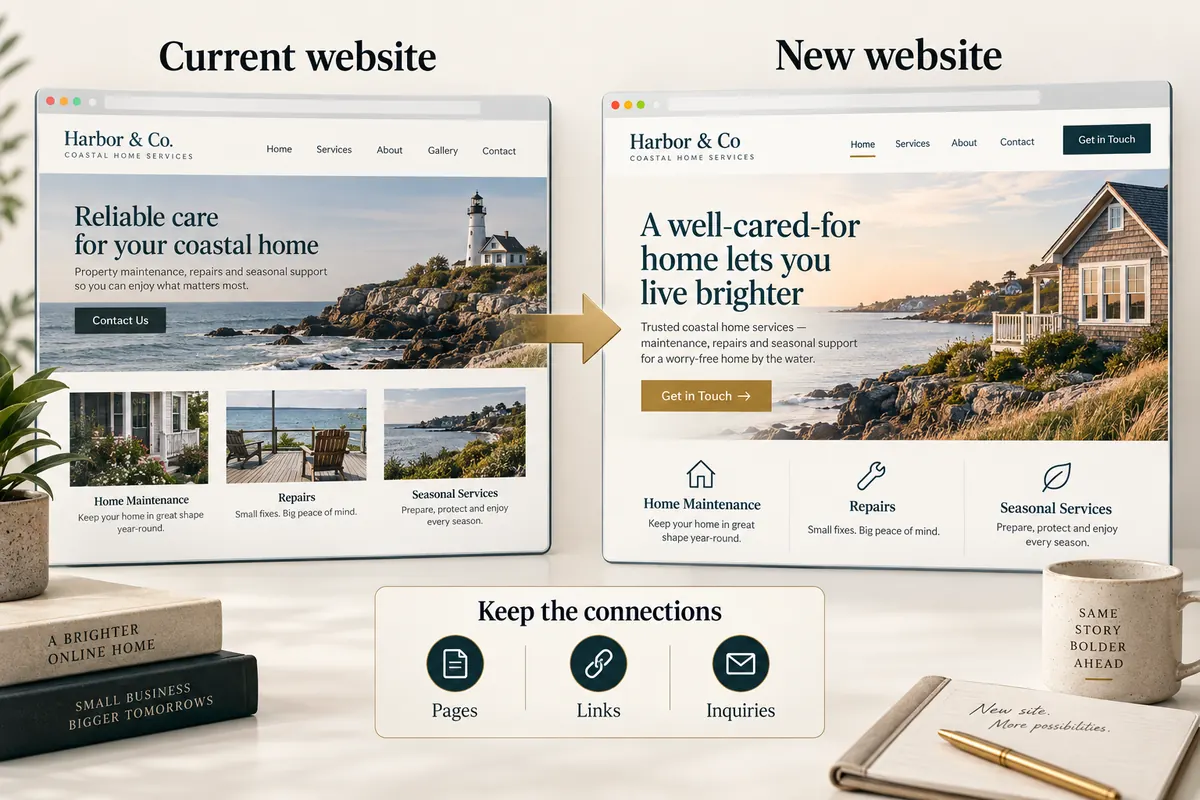
A launch record should name the deployed version, time, checks and unresolved items. Preserve the real timestamp in that record; an article’s review date is not a deployment timestamp. On a redesign, attach the old-to-new URL map.
Repeat the important checks on the public address
After launch, open the site outside the preview session. Check the main pages, HTTPS, an old URL, a download and a missing URL. Submit another permitted test from the public form and verify the same receipt-to-reply path. Record the result before calling launch complete.
Review Search Console as data becomes available and assign a next review date. Early impressions, rankings or an automated score are not acceptance tests for whether a customer can contact the business today.