Websites / 5 min read
A website migration checklist for your next redesign
Plan a website migration with an old-to-new URL map, redirects, form checks, account ownership and a measured launch review. Includes a CSV worksheet.
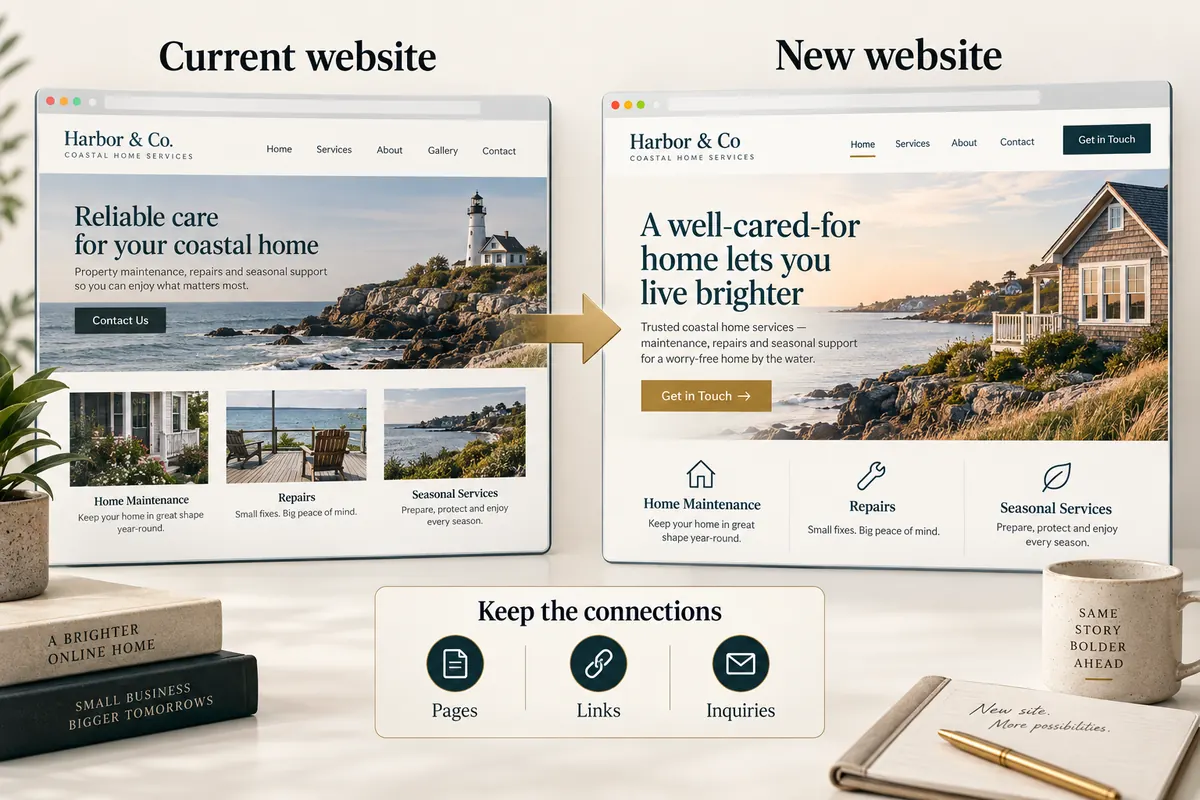
Treat a redesign as a move when addresses change
A new website can look finished while important old links lead nowhere. If page addresses, domains, content structure or hosting change, plan the move alongside the design. The aim is to preserve useful paths for customers and give search engines clear signals about the new locations. No checklist can guarantee that traffic stays unchanged.
Begin with an inventory of current URLs, downloads, forms and external integrations. Identify the pages that receive meaningful search visits, customer inquiries or links. Keep a recoverable copy of the existing site and a record of who controls the domain, hosting and email settings.
Build an old-to-new URL map
For each important old URL, record the most relevant new destination and the reason for the decision. Keep an address unchanged when that serves the new structure. If content is combined, map the old page to the new page that answers the same need. Do not send every retired service or article to the home page.
Google recommends mapping URLs and implementing appropriate permanent redirects for a site move. It also describes temporary search fluctuations while a move is processed. Use its site-move documentation for the technical details.
Before changing the live site
- Check the new pages, titles, descriptions, internal links and canonical addresses.
- Confirm that redirects lead directly to the intended destination and do not create loops.
- Submit the inquiry form, verify a durable record and check the owner’s delivery path.
- Test key pages and navigation on narrow screens and with a keyboard.
- Check important downloads, booking links and any separately scoped integration.
- Record the approved version, release destination and rollback procedure.
- Agree whether indexing is enabled or intentionally held, and verify both page and HTTP directives.
Keep email settings separate from website hosting changes. A domain can provide both services, but moving a website does not require casually replacing unrelated mail records. Name the exact DNS changes before applying them.
At launch, verify what customers actually reach
Open the public addresses after deployment, including both the preferred domain and any alternate host. Check representative old URLs, the main service pages, contact, downloads and a deliberately missing page. A missing page should return a real 404 status with a useful route back.
Confirm the form works from the public website, not only in a local preview. Keep a test reference and remove test data using the documented process. Record any delivery uncertainty and ensure the owner can recover a saved inquiry even if a notification is delayed.
Review the move over time
After an intentionally indexable launch, use the available search tools to review crawling, indexing and page-level performance. Compare the same kinds of traffic over useful periods and investigate patterns instead of reacting to one day. If indexing is still paused, do not interpret the absence of rankings as a content result.
A migration can range from a few renamed pages to a major platform move. Extensive migration, WordPress remediation and new integrations are separately scoped work; this guide does not promise a universal rescue service.
Prepare with the redesign brief, explore website design, review SEO improvements, or discuss the actual move.